

How to Save Transport Details in Tally Prime | Best Powerful Transport TDL (2026)

Quick Summary: Save transporter details like GST Number, Mobile Number, and Destination effortlessly in Tally Prime to 7.0 with our Powerful Tally Prime Transport TDL. Simplify your logistics accounting today!
Are you struggling to manage logistics and transport details in Tally Prime? With the help of the Best Transporter TDL 2026, you can easily store and print transport information directly on your invoices. This blog post guides you on how to add transport details in Tally Prime to streamline your dispatch process.
How To Add Transport TDL File in Tally Prime?
First, download the Transporter ID TDL provided by VRcrackrs from the link below. Then, follow these steps to load the TDL file into Tally Prime:
- ✅ Step 1: Go to Gateway of Tally.
- ✅ Step 2: Press Ctrl + Alt + T or Press F1 > TDL and Addons.
- ✅ Step 3: Press F4 (Manage Local TDLs).
- ✅ Step 4: Set "Load Selected TDL Files on Startup" to Yes.
- ✅ Step 5: Paste the TDL File Path in the blank line.
- ✅ Step 6: Save the settings.
- ✅ Step 7: Press F6 (Add-on Features) and Enable "Transport ID TDL Report".
Your TDL is now active! This powerful tool is brought to you by VR Crackes Developer.
Watch Tutorial Video (Click to Play)
Ideally, watch this video to understand the complete setup process:
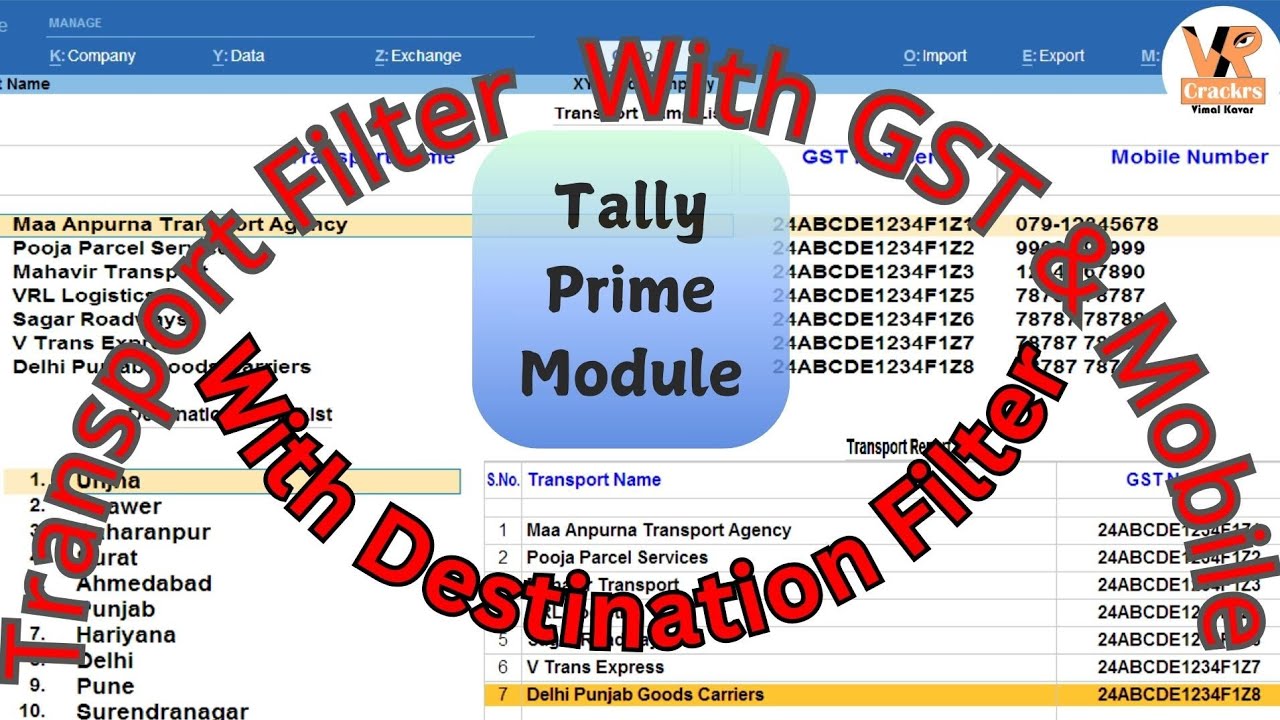
Click the image above to watch the tutorial on YouTube
How to Create Transport & Destination Masters
This TDL allows you to create dedicated masters for Transporters and Destinations. This ensures accurate reporting of GST Numbers and Mobile Numbers for every dispatch.

Image: Transport Master Creation Screen
1. Create Transport Master: Go to Gateway of Tally > Transport Menu > Transport Name Master. Fill in the details.
2. Create Destination Master: Go to Transport Menu > Dispatch Destination Master. Add your delivery locations here.

Secure Your Accounting Data with Quick Heal Total Security
Protect your Tally data from ransomware and viruses. 10 Users | 3 Years Pack.
Buy Now on AmazonViewing Reports in Tally Prime
To check which transport delivered goods to which party, go to Gateway of Tally > Transport Report.
- Press F4 to filter by Transport Name.
- Press F5 to filter by Destination Name.
Download Best Powerful Transport TDL
Manage GST & Mobile Numbers in Logistics easily.
Click Here to Download TDLConclusion
Efficient logistics management is key to accurate accounting. Using this Transport TDL for Tally Prime, you can automate data entry and generate insightful reports. Whether you are a trader or a manufacturer, this cheap and effective add-on will enhance your Tally experience.
FAQ
What is TDL?
Tally Definition Language (TDL) is the programming language used to customize Tally Prime.
Who created this Transport TDL?
This TDL is developed by Vimal Kavar (VR Crackers), providing features like GST number, mobile number, and destination filters.








thank you for visit my website VRCrackrs,
I'll answer your comment as soon as possible.