

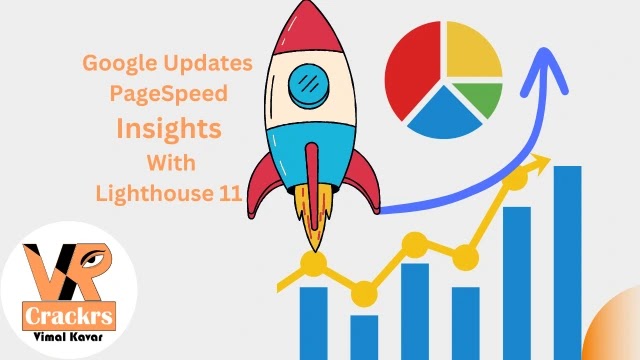
Google PageSpeed Insights Update: Lighthouse 11 & New Core Web Vitals
Google has completely overhauled PageSpeed Insights with the major release of Lighthouse 11. This update brings crucial changes to scoring, bug fixes, and new accessibility audits that every webmaster should know.

⚡ Major Changes in Lighthouse 11
Lighthouse is the open-source automated tool that powers Google PageSpeed Insights for measuring website performance and Core Web Vitals. The latest updates include:
- ✔ 13 New Accessibility Audits introduced.
- ✔ Changes to how best practices are scored.
- ✔ Largest Contentful Paint (LCP) scoring bug finally fixed.
- ✔ INP Update: Interaction to Next Paint is no longer experimental.
📊 Interaction to Next Paint (INP) is Now Official
Interaction to Next Paint (INP) is a crucial metric that measures the interactivity and responsiveness of a whole webpage. Previously an experimental metric, Google has now officially replaced FID (First Input Delay) with INP as a primary Core Web Vital standard starting from March 2024. Lighthouse 11 officially reflects this transition, making it mandatory for SEO.
🛠️ Largest Contentful Paint (LCP) Scoring Bug Fixed
Many users noticed an error in LCP diagnostic feedback due to a bug introduced in Lighthouse 10.2.0. According to the official GitHub error report, websites were wrongly displaying an "LCP element — Error!" message. This issue has now been resolved in version 11.

Screenshot of Bug in Page Speed Insights
♿ New Accessibility Audits
While site accessibility is not a direct ranking factor for Google Search, it is a crucial best practice. Making your website accessible to everyone, including those using assistive technologies, improves User Experience (UX) and your bottom line.
Lighthouse 11 introduces 13 new accessibility checks, including:
What is Aria-Allowed-Role?
The aria-allowed-role attribute defines a set of names that helps people using assistive technologies interact with the webpage. For instance, landmarks allow assistive tech to navigate and find content quickly.
What is Image-Redundant-Alt?
This audit identifies alternative text that is repetitive. For example, if a button's alt-text says "Click Here" and the visible text also says "Click Here", a screen reader will announce it twice. This audit helps you avoid such redundancy.
🔗 Read Official Announcements & More
You can read the complete details on the official developer blogs:




thank you for visit my website VRCrackrs,
I'll answer your comment as soon as possible.